Coming soon to iPhone and Android

Woodworking plans that match the picture

Every cut list comes from the same 3D model you see. Build videos, exact cut lists and shopping lists for weekend builders with basic tools.

Phone (optional)

One email when the app launches. No newsletter. See our privacy policy.

Watch a build

Free to download at launch · iPhone and Android · One email when it's ready
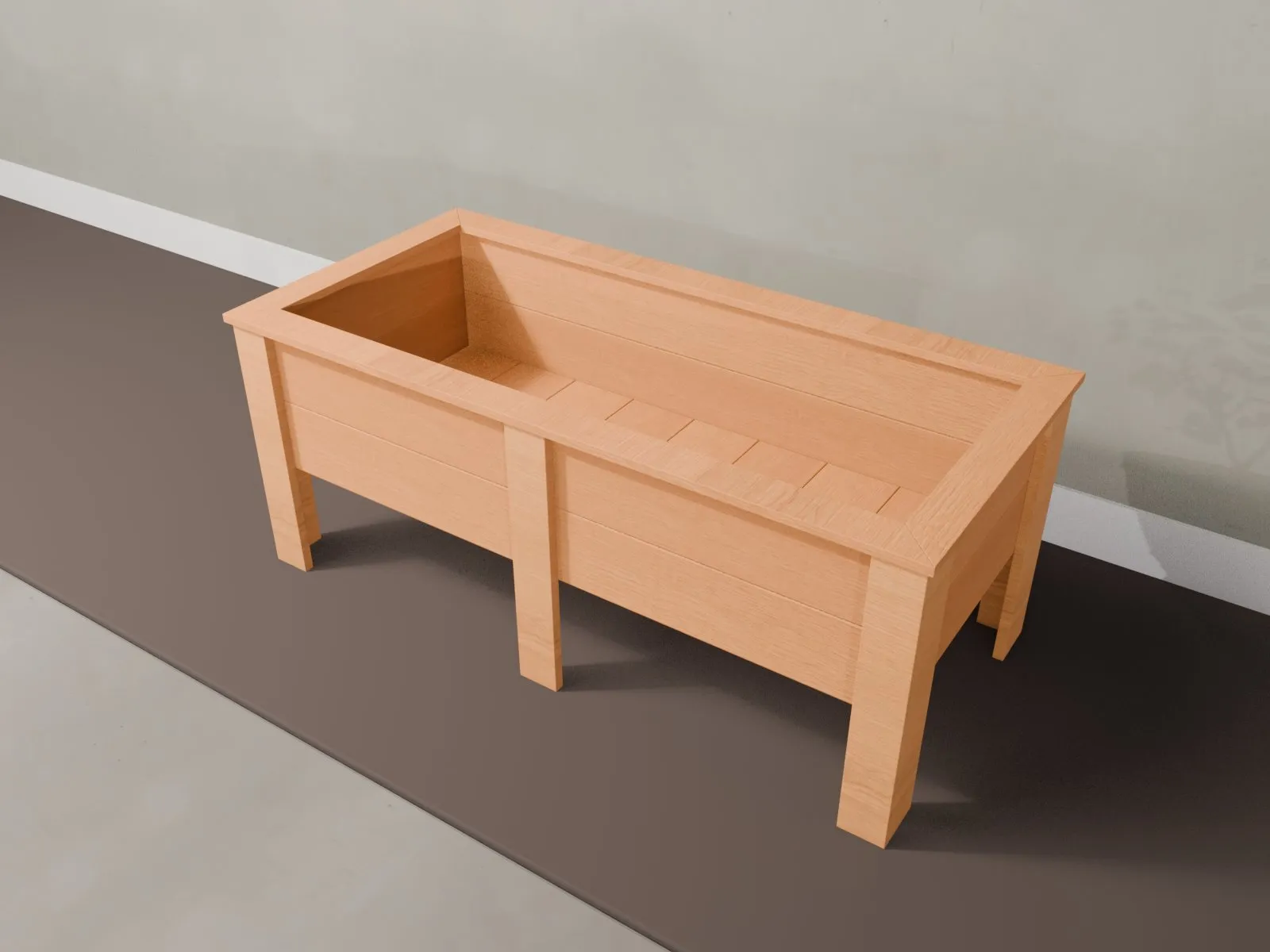
  • 1 model behind every picture, cut list and video
  • 1/16 in precision, imperial or metric
  • 42 build videos so far

Sawdust Plans is the easiest way to build from a plan you can trust

  1. One model, no surprises

    The picture, the 3D view, the cut list and the video are exported from one model, so they cannot disagree.

  2. Your units, your size

    Switch between inches with fractions and millimeters, and pick a size preset that recalculates the whole cut list.

  3. Build step by step

    One step per screen with the new parts highlighted, the screws counted and the plan saved for offline use in the shop.

  4. Know what to buy

    A shopping list with board counts from a cut optimizer and a cost estimate before you drive to the store.

Who is Sawdust Plans best for?

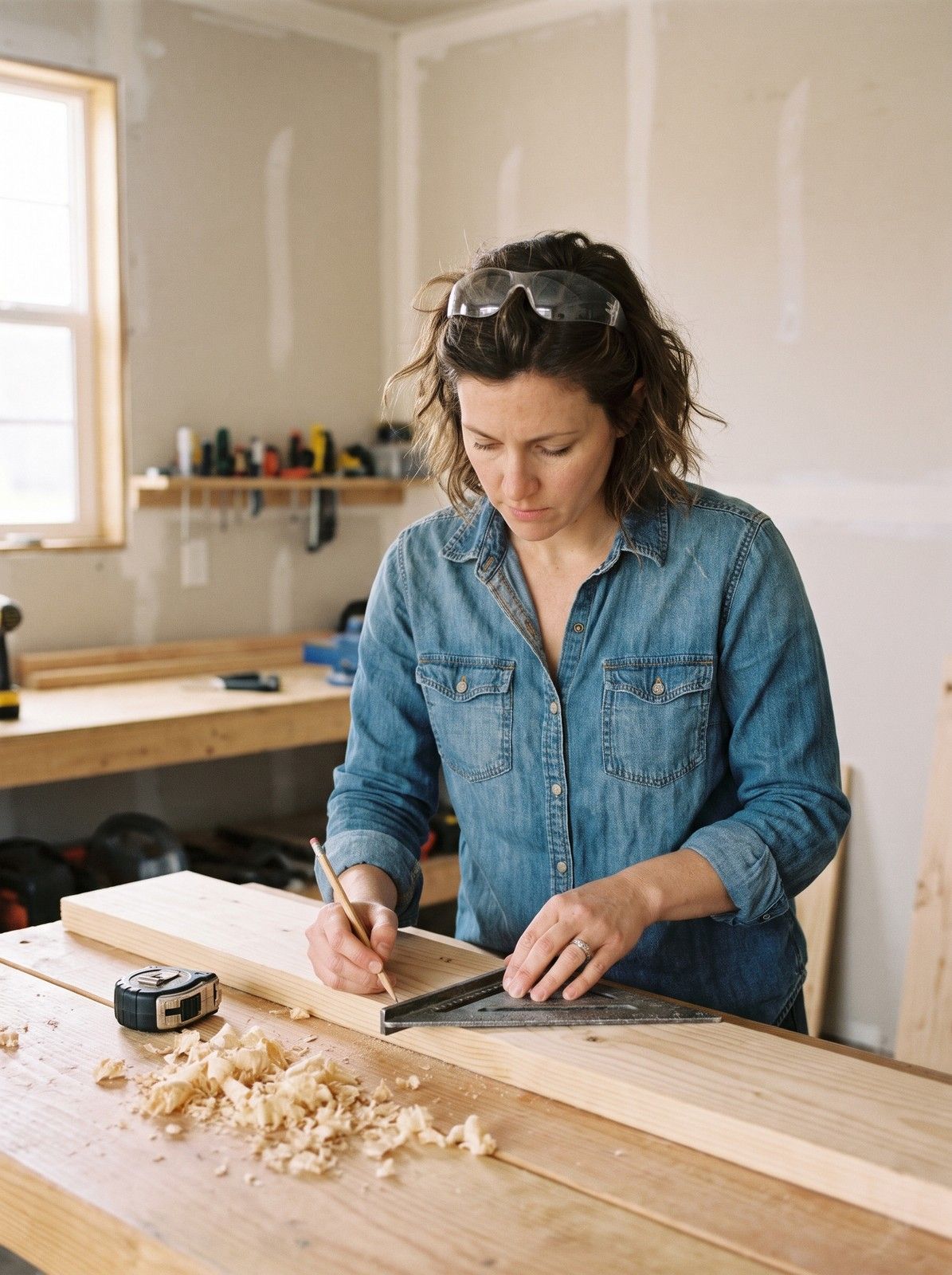
A woman marks a pine board with a pencil and a speed square at a garage workbench

First-time builders

Plans that start from store lumber and a few basic tools.
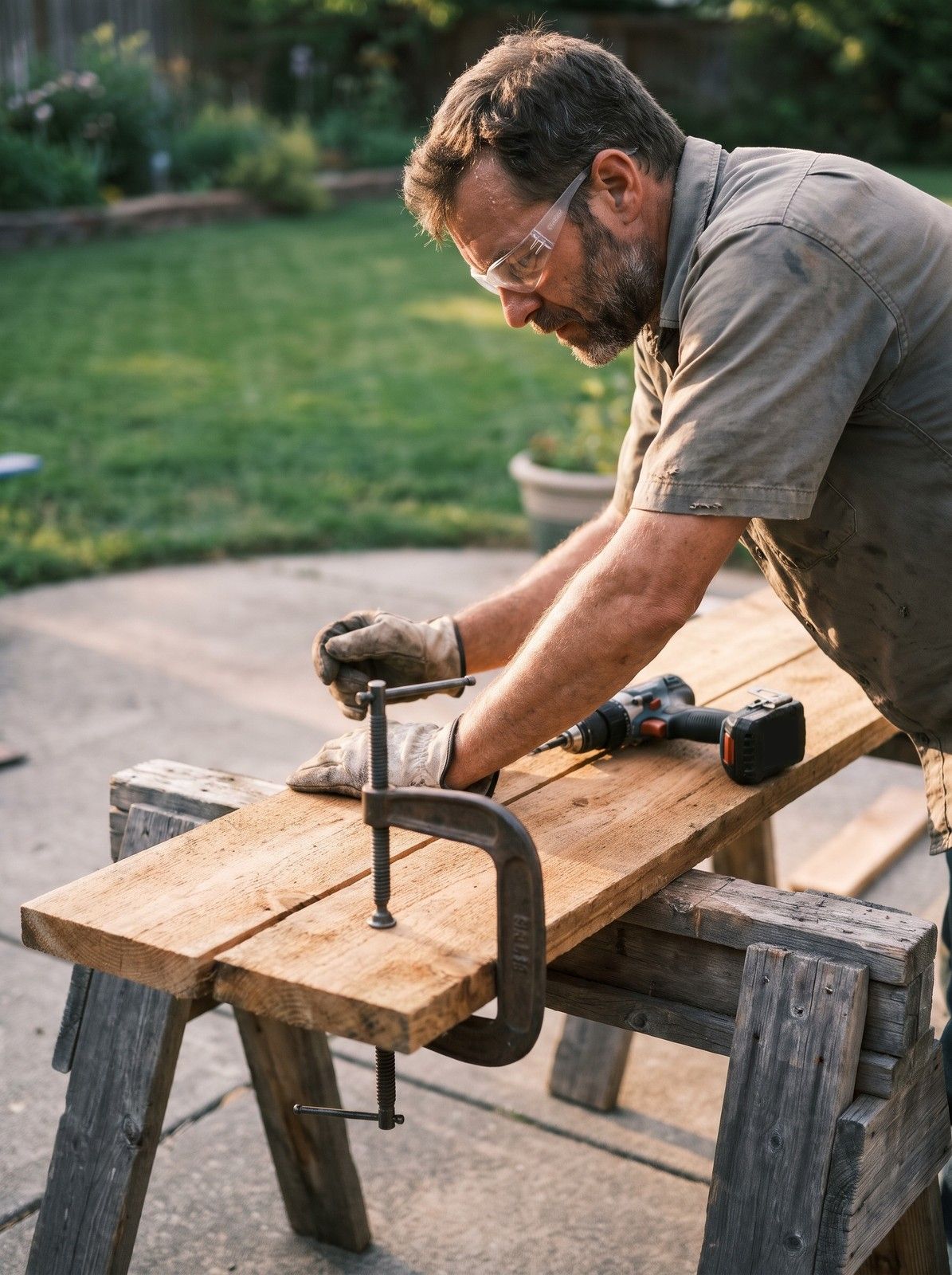
A man in safety glasses clamps two rough cedar boards on sawhorses on a backyard patio

Weekend builders

Projects sized for a Saturday, with the time and cost stated up front.
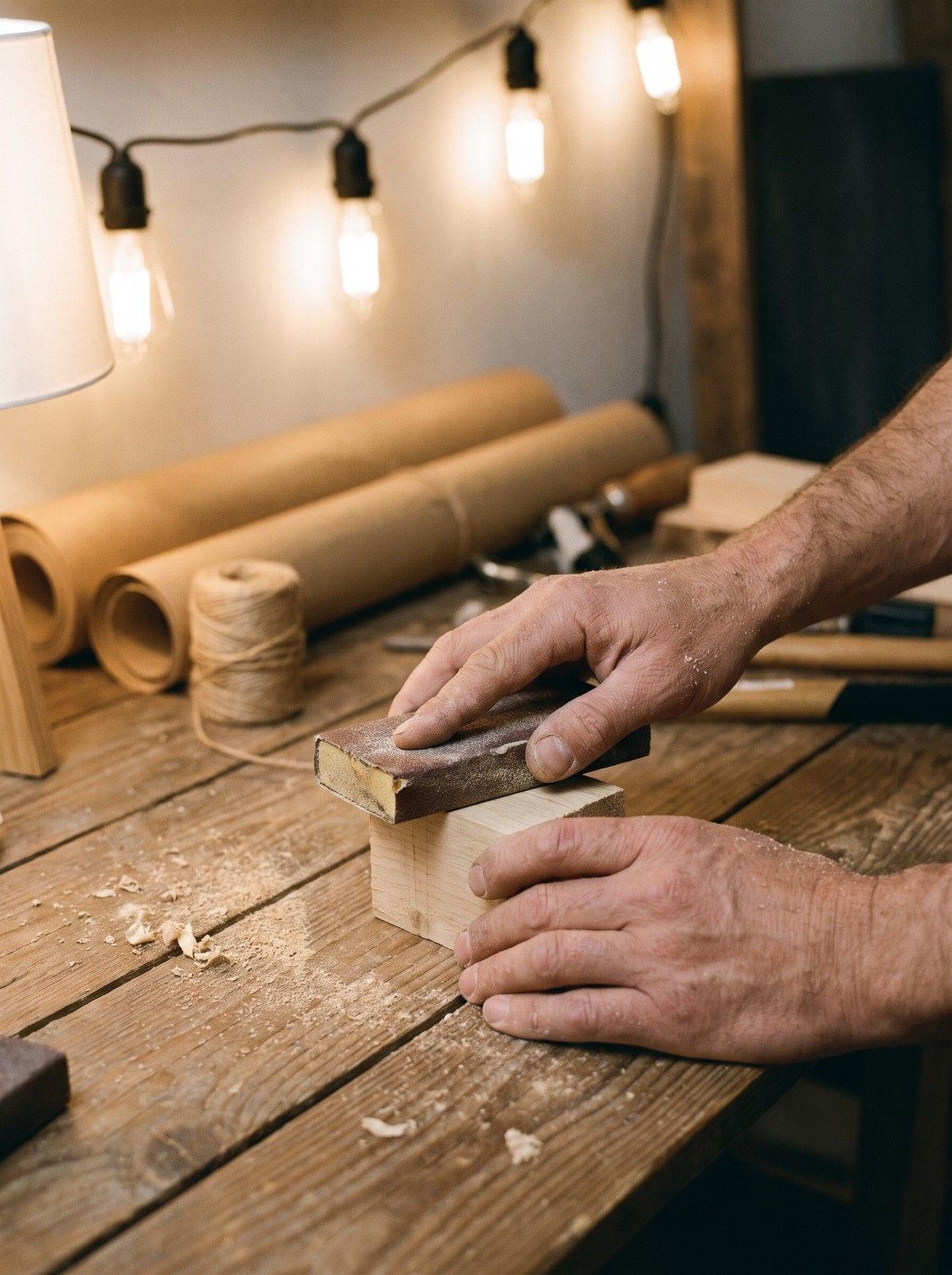
Close view of hands sanding a small block of raw wood, string lights glowing behind

Gift and holiday makers

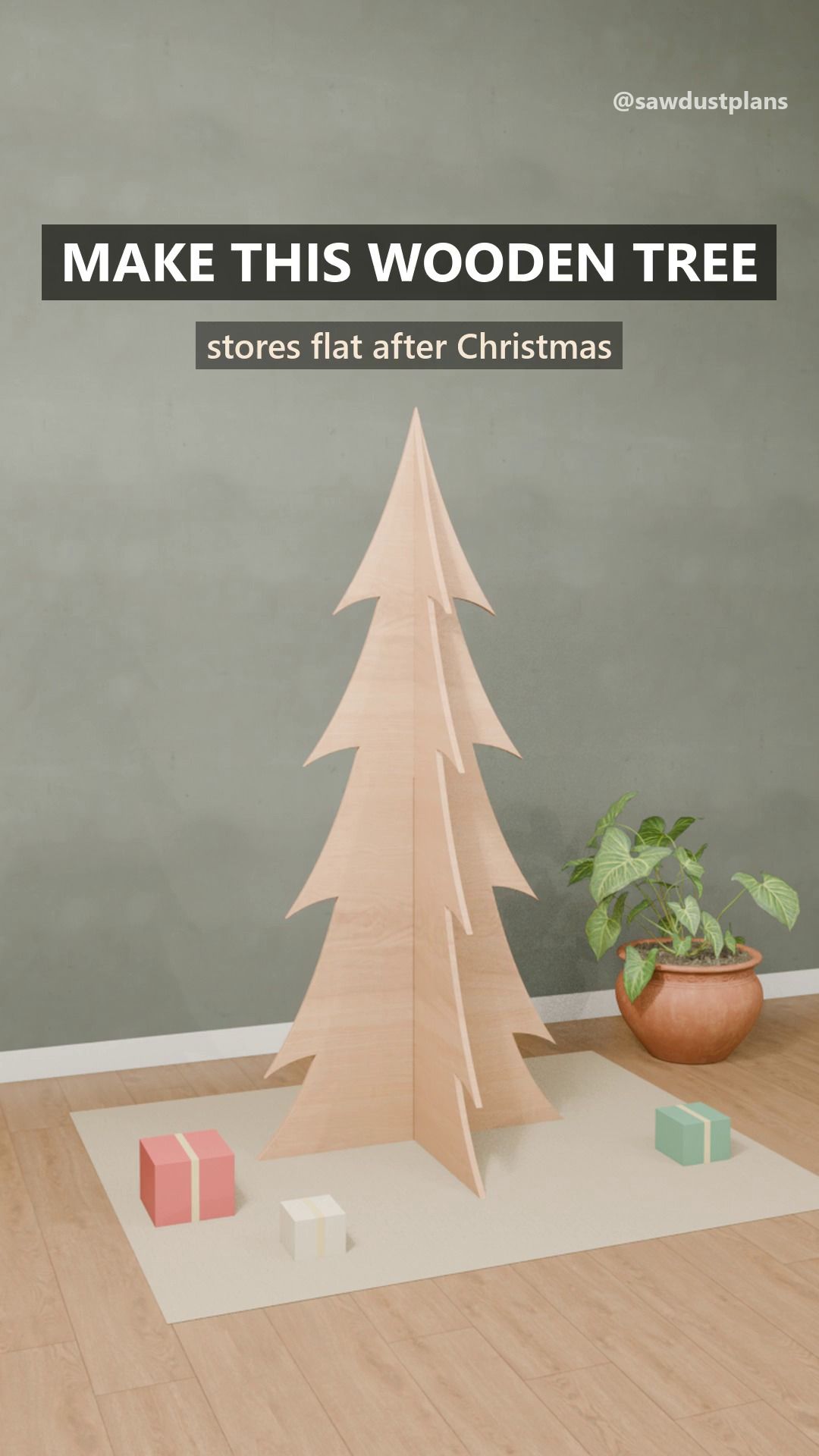
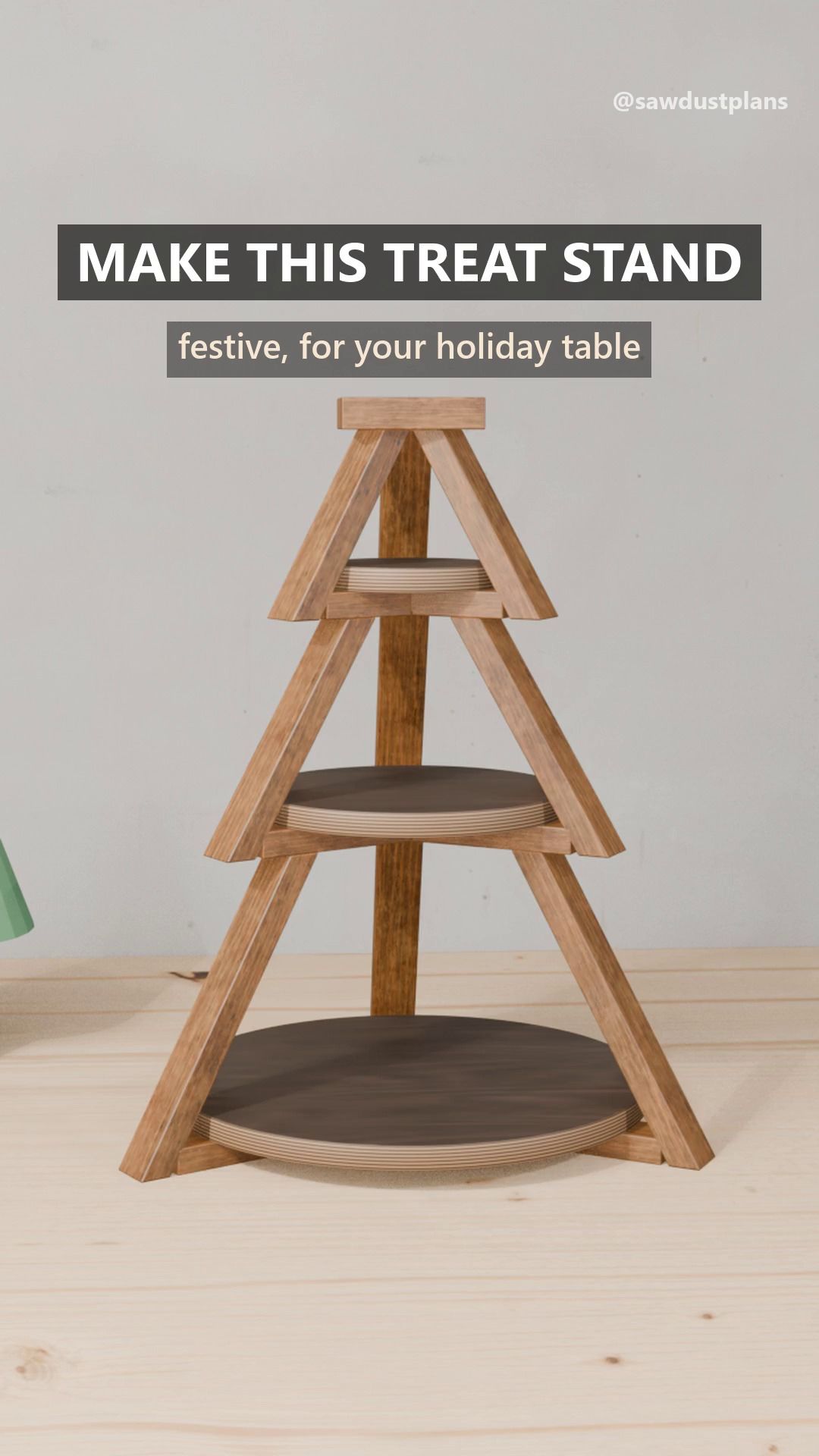
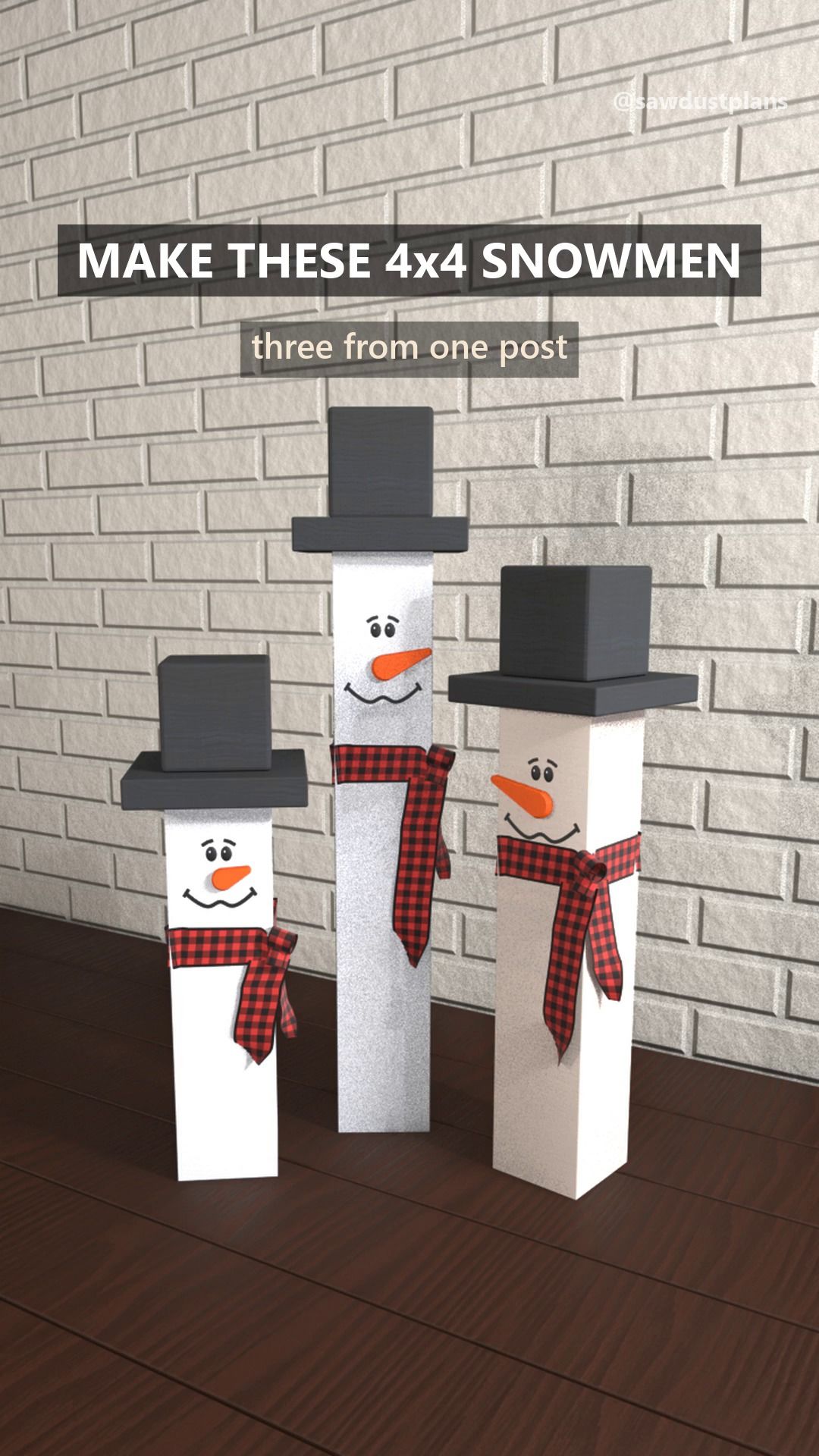
Seasonal builds, from tabletop trees to lanterns.

Seen from behind, a shopper holds up a phone toward an old wooden dresser in a thrift store

Thrift and flip hunters

Photo tools that suggest the wood, the style and a repair path.

Plans that match the picture

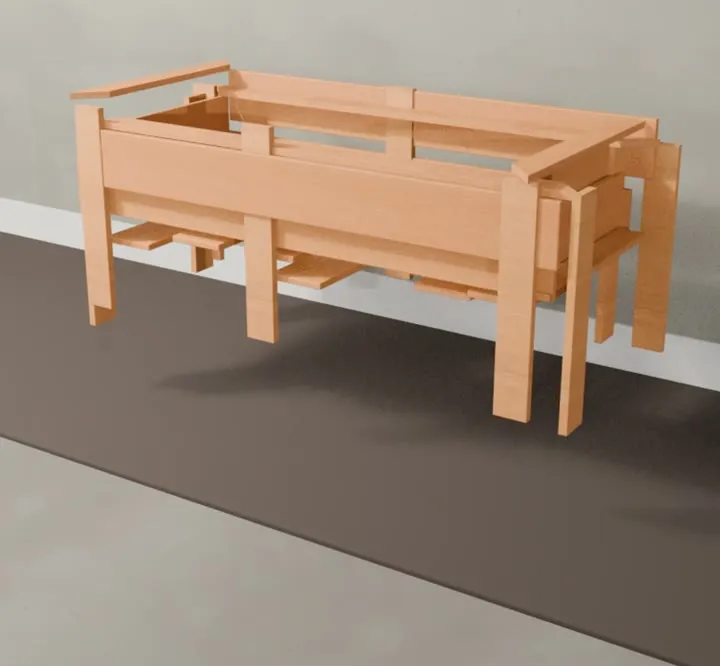
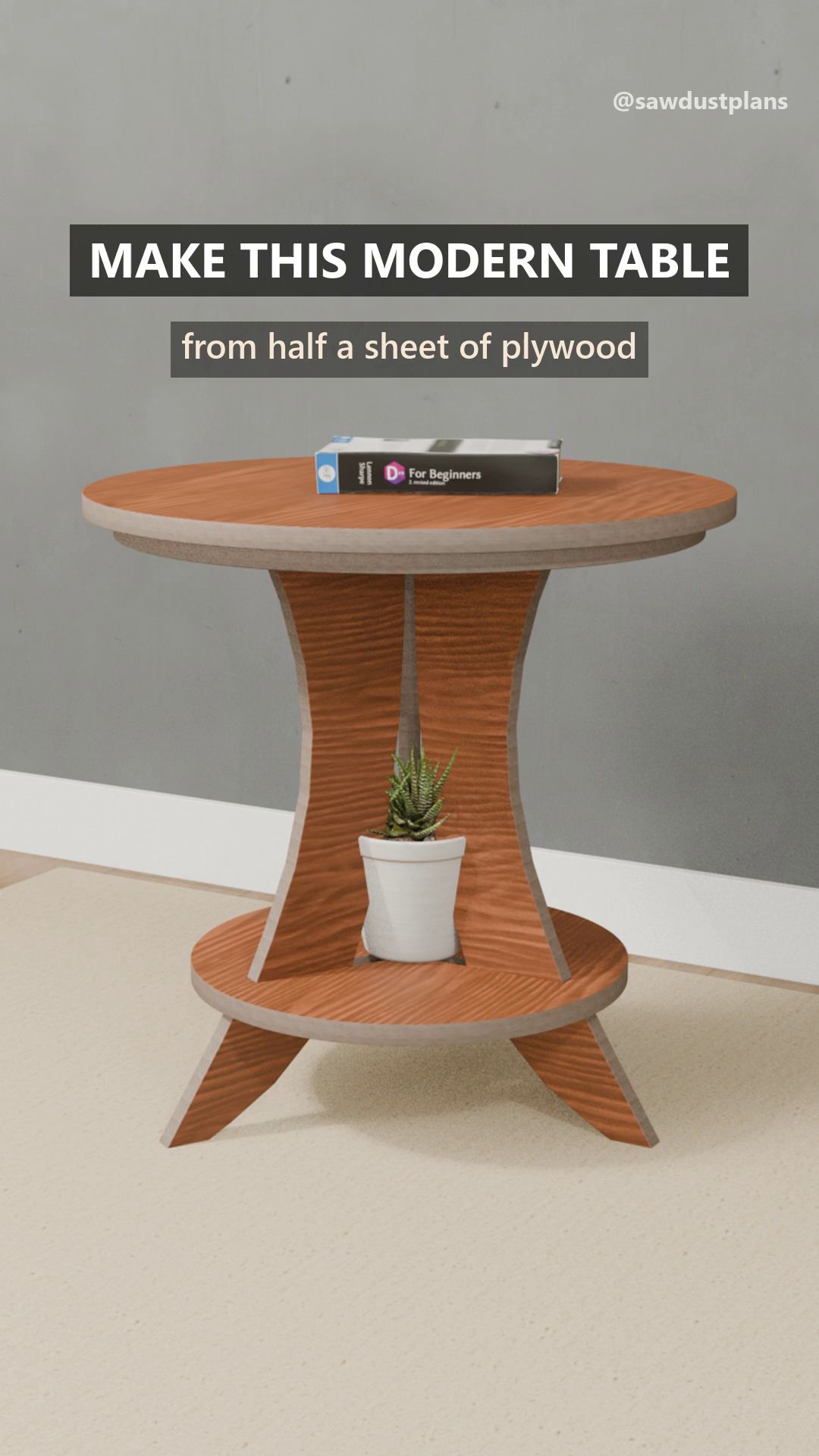
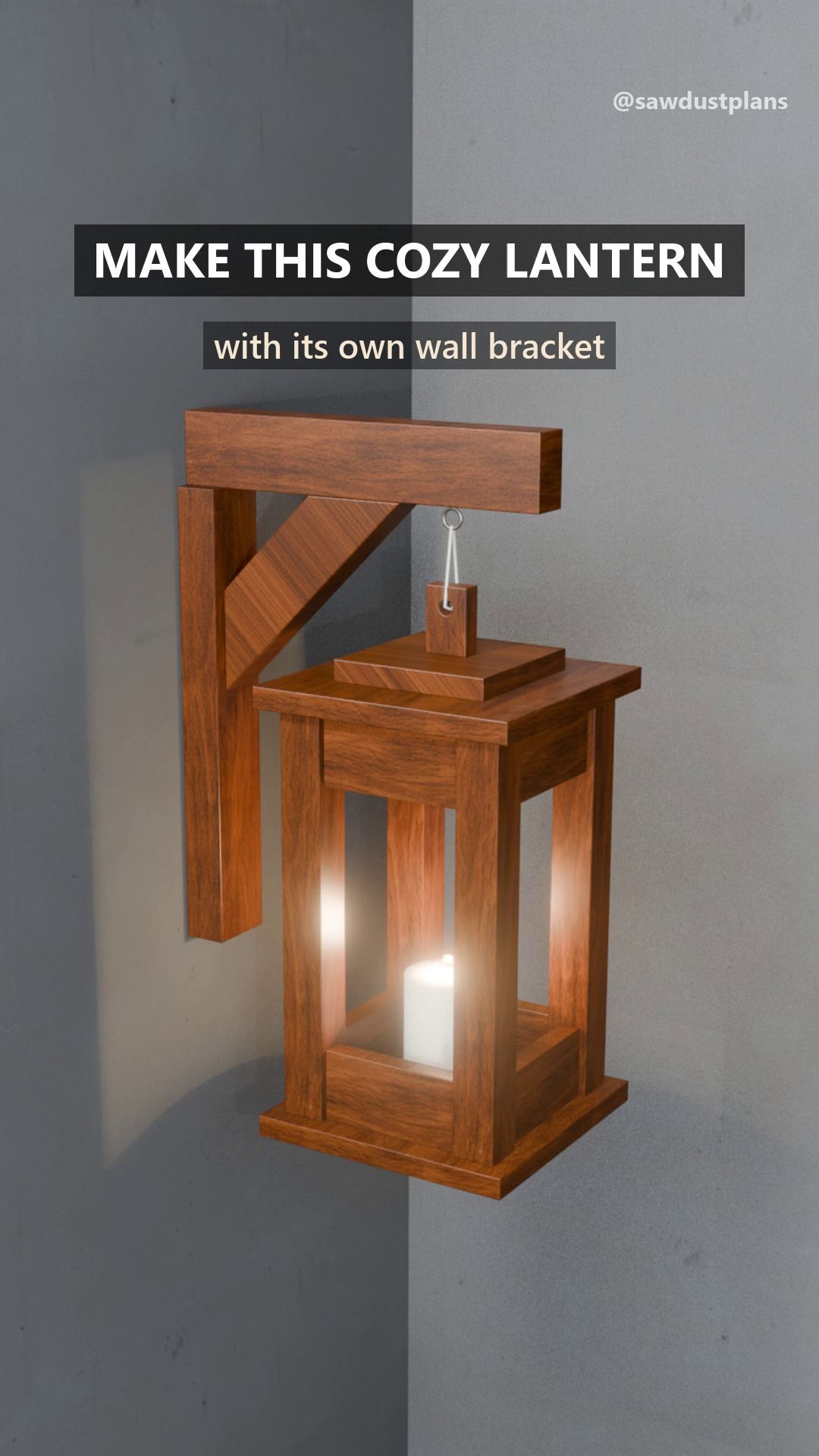
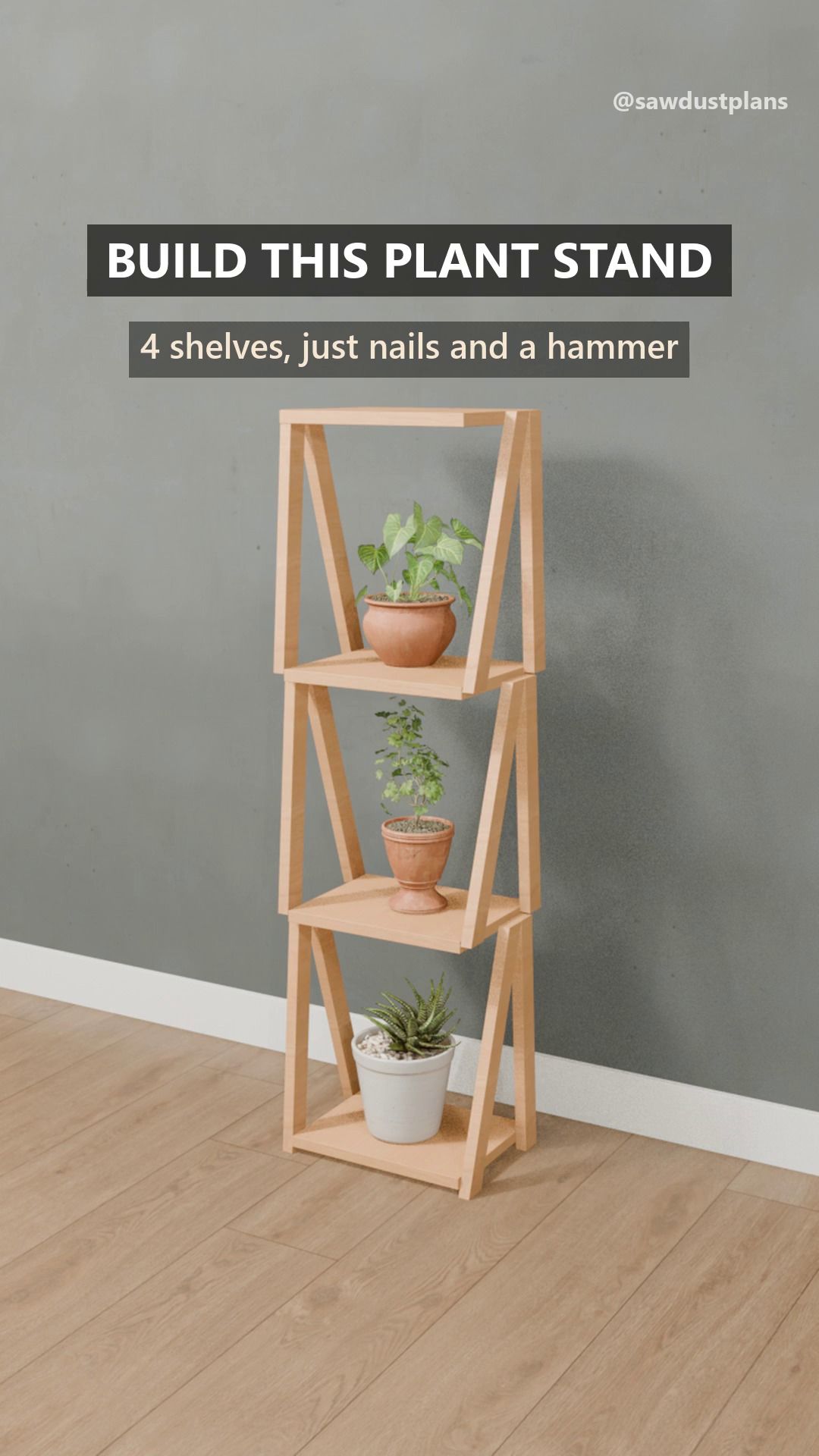
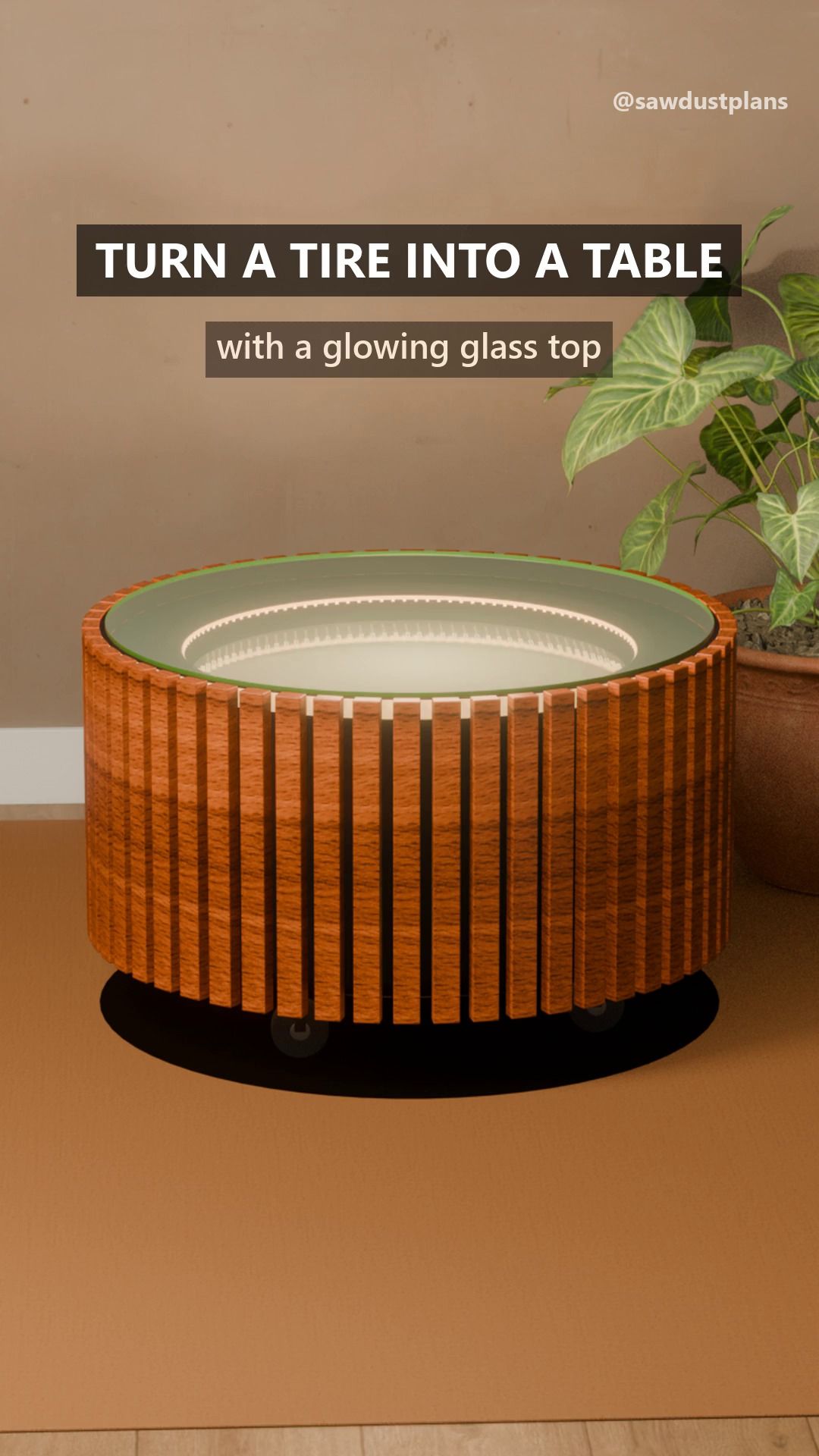
Each plan is one 3D model. Explode it, tap a part and see its row in the cut list. What you see is what you cut.

  • 3D exploded view linked to the cut list
  • Search and filters that work: difficulty, time, cost, tools you own
  • An animated build video for every plan

Shop math, built in

Change the size or the unit and every number follows. The optimizer lays your cuts on real boards, so the shopping list is enough and not more.
  • Size presets that recompute the cut list
  • Cut optimizer with saw kerf
  • Shopping list with a cost estimate, and a PDF for the shop
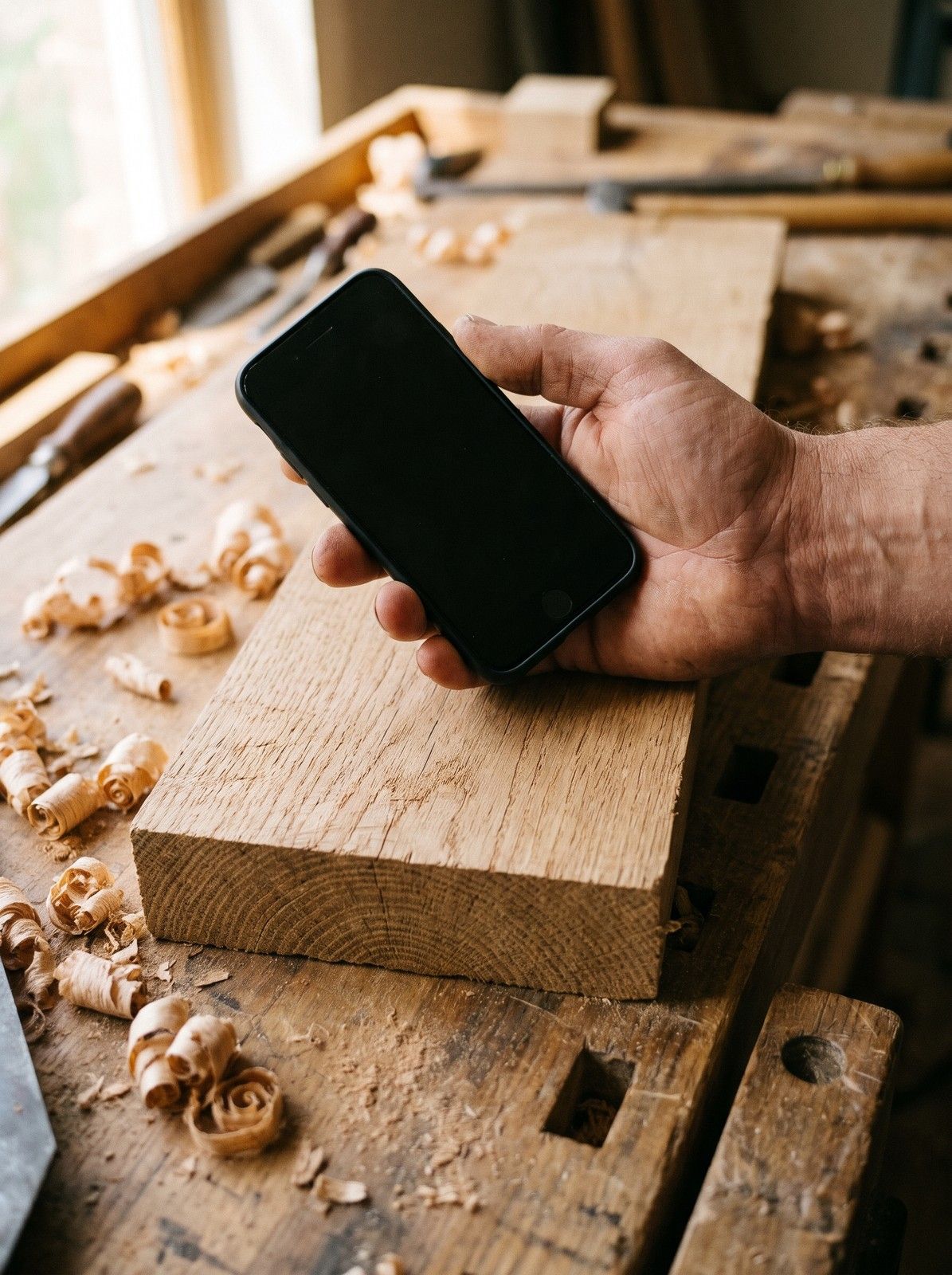
A hand holds a phone with a blank screen above the end grain of a bare oak board

Photo tools that say when they're not sure

Point your phone at a board or a thrift-store find. You get the three most likely woods with a confidence level, a furniture style, a value range and a repair guide.

  • Wood ID with top-3 matches, never one confident guess
  • Furniture ID, value estimate and repair guide
  • 3 free scans to try

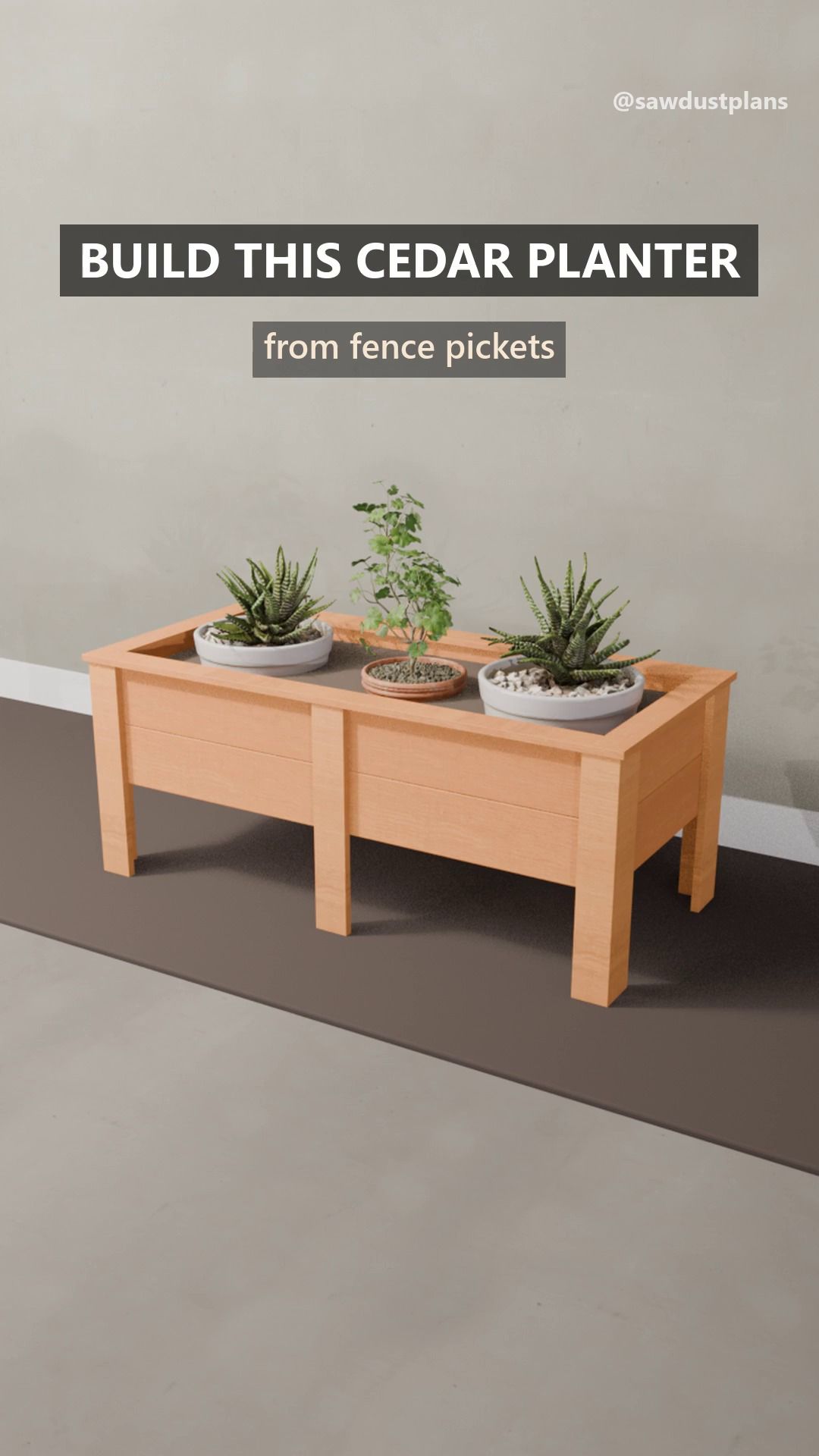
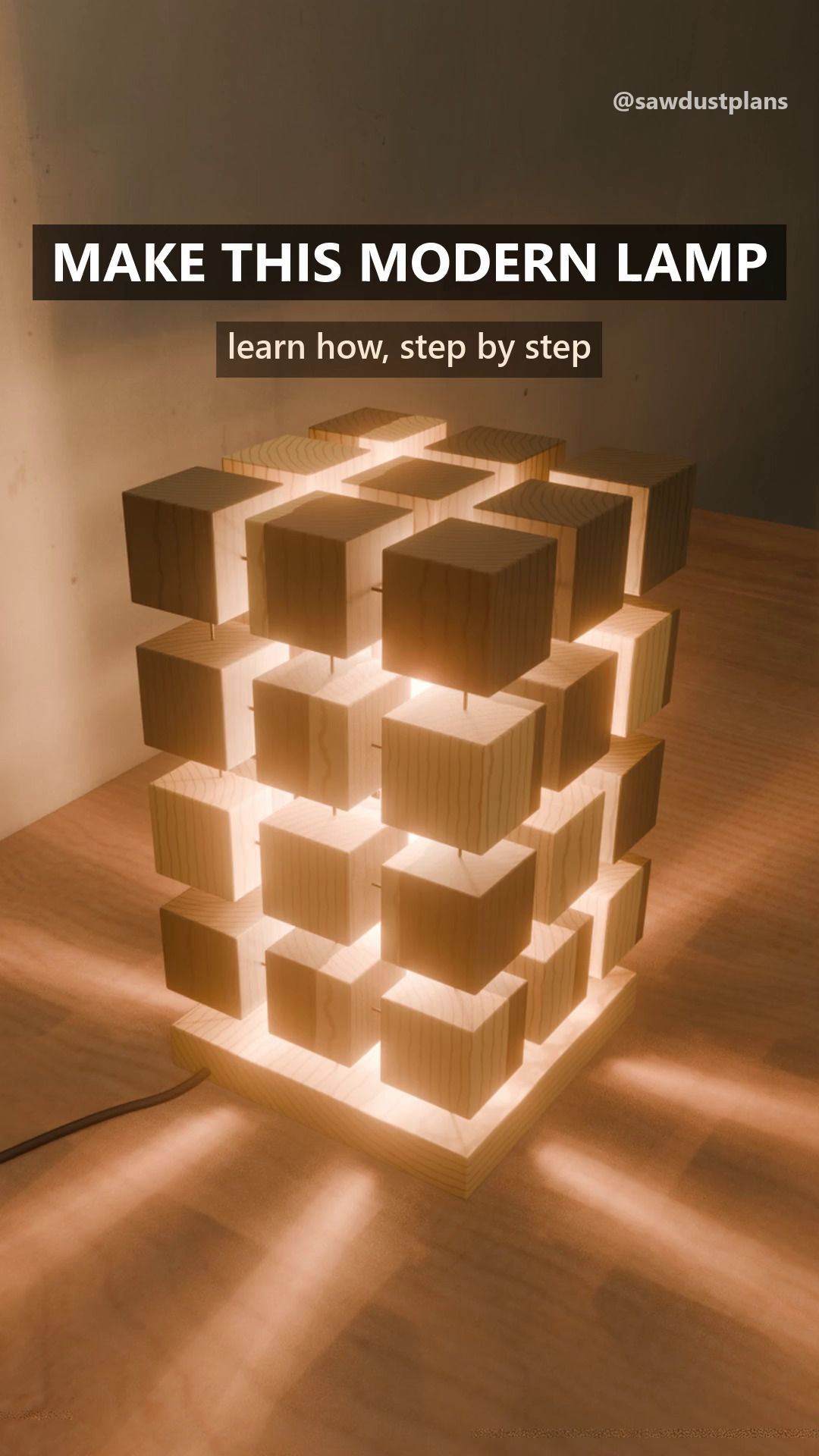
42 builds, and counting

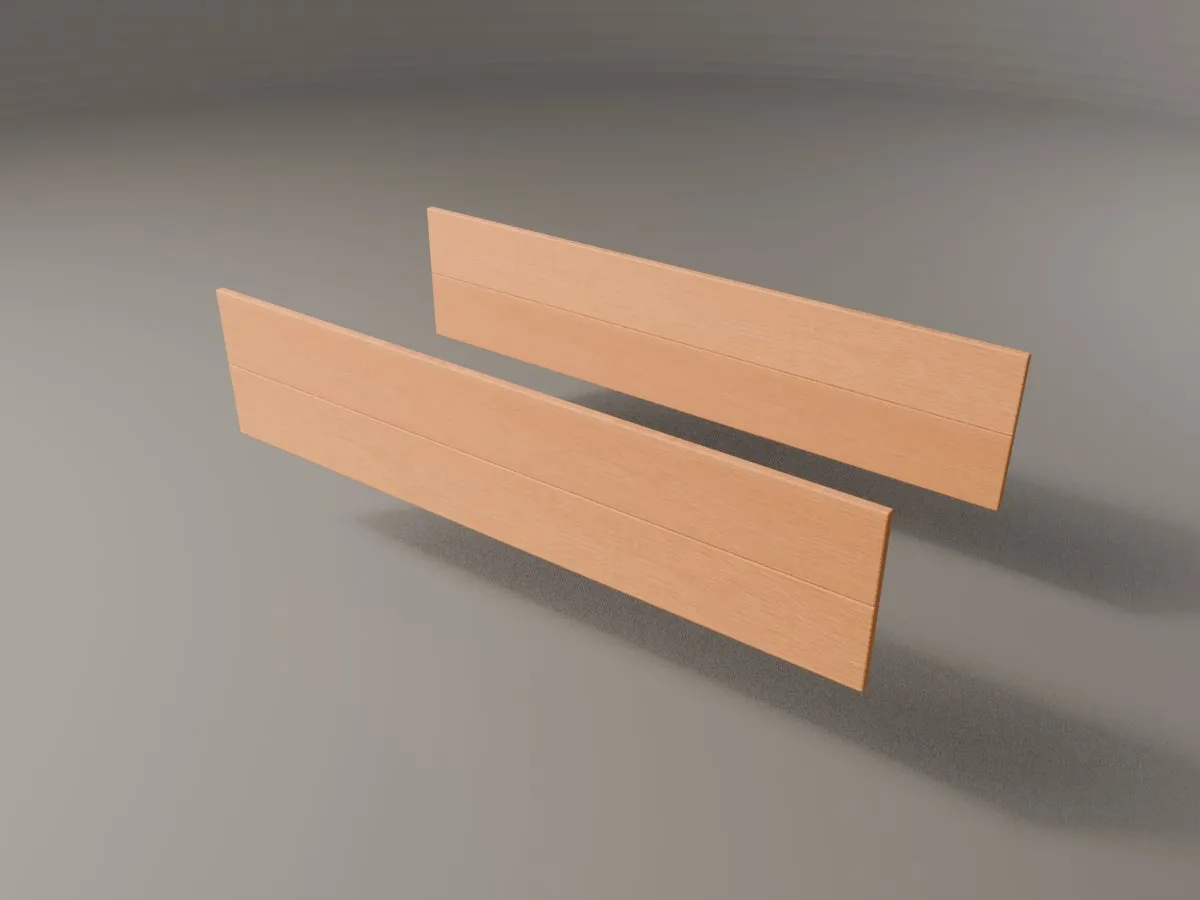
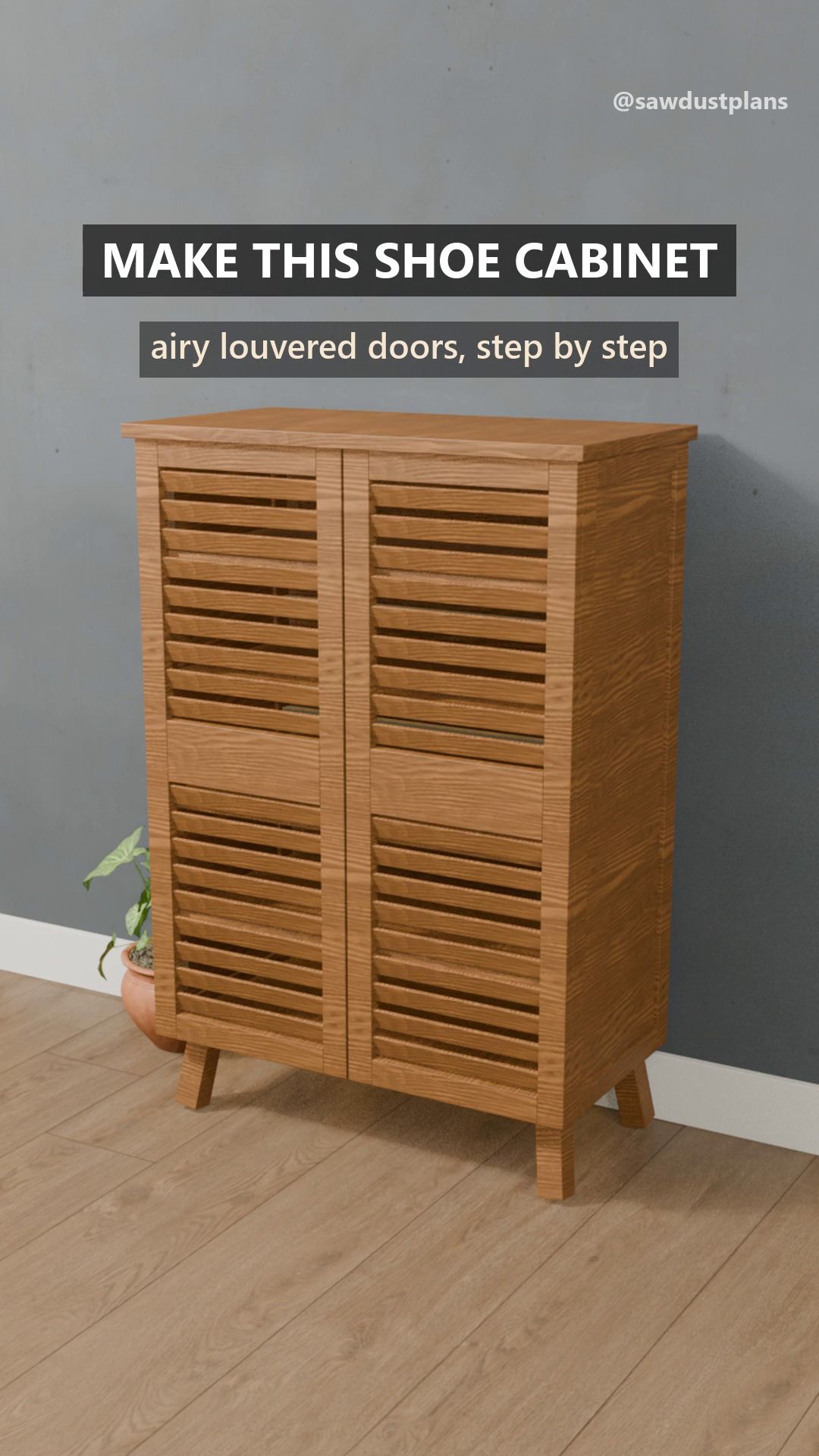
Every build video is rendered from the plan's own model. Watch a piece come apart and go back together.

See all on Instagram
Planned launch pricing, US

Free to start. Pro when you're ready.

Free forever

$0

  • Browse, search and preview every plan
  • 5 complete starter plans
  • The plan of the week, free for 7 days
  • 3 photo scans
  • Wood library and technique guides

Pro

Billing period

$29.99 a year, after a 7-day free trial

$6.99 a month

$79.99 once

  • Every plan in full: cut list, steps, 3D parts, size presets, optimizer, shopping list, PDF, offline
  • 30 photo scans a day
  • Keeps every plan

Prices in USD (planned launch pricing). Subscriptions renew until cancelled. Billed through the App Store or Google Play.

Questions, answered

All questions

What is Sawdust Plans?

Sawdust Plans is a woodworking plan app for iPhone and Android. Every plan is one 3D model, and its pictures, 3D view, cut list, shopping list and build video are all exported from that model, so they cannot disagree.

When does the app launch?

We have not announced a date. Join the waitlist and we will email you once, when the app is ready.

Do I need experience or a full shop?

No. The plans are written for beginners and weekend builders with basic tools, and each plan lists its difficulty, time and the tools it needs. You can mark the tools you own and see the plans you can build with them.

Why do you say the plans match the picture?

Because the picture, the 3D view, the cut list, the shopping list and the video are all exported from the same 3D model. A part that is in the picture is in the cut list, with the same size.

What is free?

Browsing, search and the preview of every plan; 5 complete starter plans; the plan of the week, free for 7 days; 3 photo scans; and the wood library and technique guides.

Build something this weekend

Plans, cut lists and build videos that agree with each other.

Phone (optional)

One email when the app launches. No newsletter. See our privacy policy.

Free to download at launch · iPhone and Android · One email when it's ready

Coming soon

Get early access

The app is coming to iPhone and Android. Join the waitlist and we'll email you once, when it's ready.

Phone (optional)

One email when the app launches. No newsletter. See our privacy policy.